- JavaScript 41.6%
- CSS 34.5%
- Lambdapi 12.9%
- Answer Set Programming 8.9%
- Linear Programming 2.1%
| .devcontainer | ||
| .github | ||
| img | ||
| scripts | ||
| style | ||
| vendor | ||
| .codespellignore | ||
| .editorconfig | ||
| .gitattributes | ||
| .gitignore | ||
| CONTRIBUTING.md | ||
| error403.lp | ||
| error404.lp | ||
| gravity.lp | ||
| groups-clients.lp | ||
| groups-domains.lp | ||
| groups-lists.lp | ||
| groups.lp | ||
| index.lp | ||
| interfaces.lp | ||
| LICENSE | ||
| login.lp | ||
| messages.lp | ||
| network.lp | ||
| package-lock.json | ||
| package.json | ||
| postcss.config.js | ||
| queries.lp | ||
| README.md | ||
| search.lp | ||
| settings-all.lp | ||
| settings-api.lp | ||
| settings-dhcp.lp | ||
| settings-dns.lp | ||
| settings-dnsrecords.lp | ||
| settings-privacy.lp | ||
| settings-system.lp | ||
| settings-teleporter.lp | ||
| taillog.lp | ||
| xo.config.js | ||


Network-wide ad blocking via your own Linux hardware
Pi-hole Web Interface
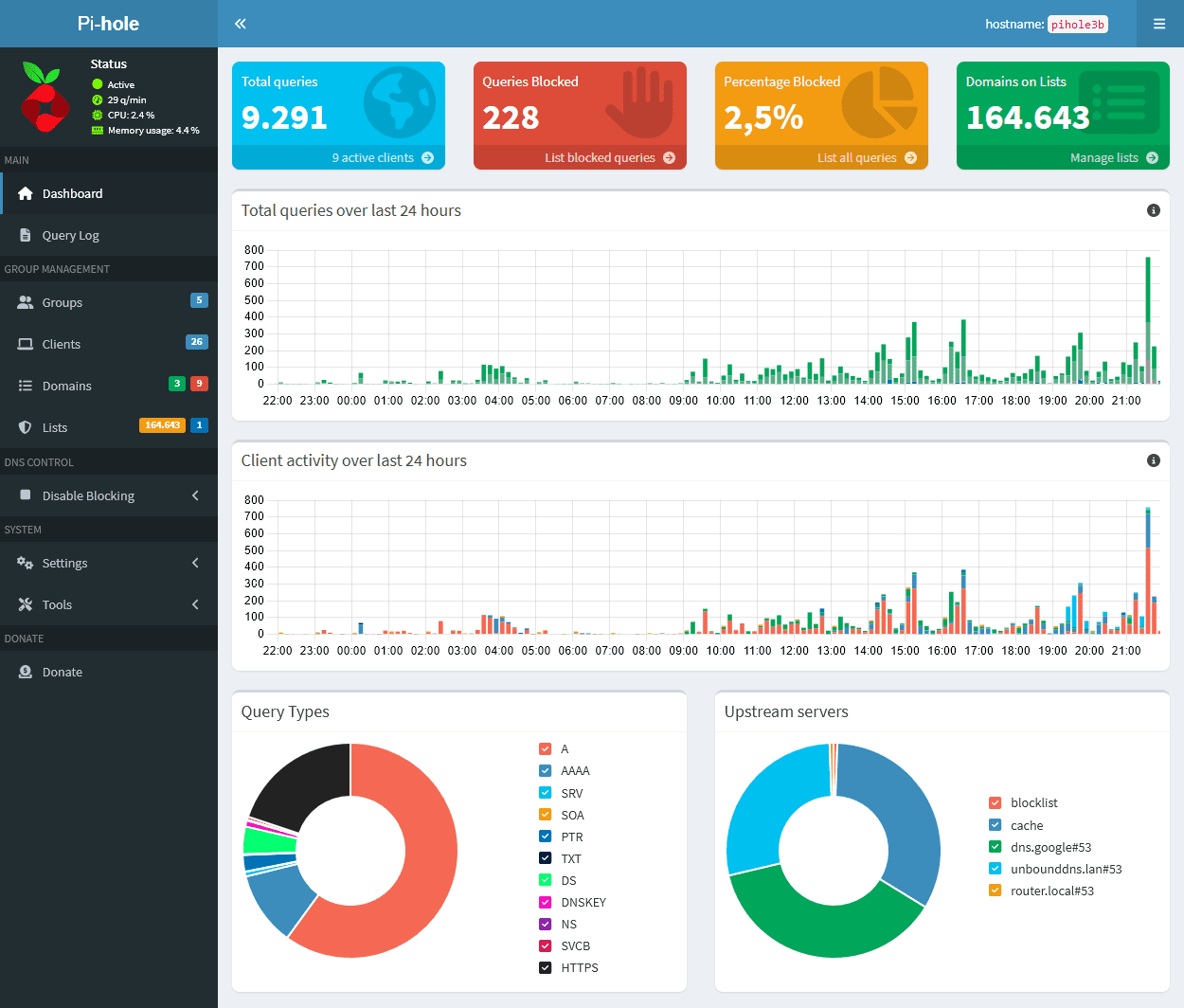
Pi-hole®'s Web interface (based off of AdminLTE) provides a central location to manage your Pi-hole and review the statistics generated by FTLDNS™.
- Easy-to-interpret: simple graphs and beautiful colors make Pi-hole's stats easy to understand
- Responsive: looks great on desktop, tablets, and mobile devices
- Useful: control and configure your Pi-hole with our settings
- Insightful: use the query log, including long-term stats to gain insight into your networks activity

Installation
The Web interface is enabled by default when you install Pi-hole.
Post-installation: access the Web interface and gain insight into your network's activity
There are several ways to access the dashboard:
https://<IP_ADDRESS_OF_YOUR_PI_HOLE>/admin/https://pi.hole/admin/(when using Pi-hole as your DNS server)https://pi.hole/(when using Pi-hole as your DNS server)
Tip
You can access the web interface using
http://orhttps://protocols.
Once logged in, you can view your network stats to see things like:
- the domains being queried on your network
- the time the queries were initiated
- the amount of domains that were blocked
- the upstream server queries were sent to
- the type of queries (
A,AAAA,CNAME,SRV,TXT, etc.)
Pi-hole is free, but powered by your support
There are many reoccurring costs involved with maintaining free, open source, and privacy-respecting software; expenses which our volunteer developers pitch in to cover out-of-pocket. This is just one example of how strongly we feel about our software, as well as the importance of keeping it maintained.
Make no mistake: your support is absolutely vital to help keep us innovating!
Donations
Sending a donation using our links below is extremely helpful in offsetting a portion of our monthly expenses:


Alternative support
If you'd rather not donate (which is okay!), there are other ways you can help support us:
- Patreon Become a patron for rewards
- Digital Ocean affiliate link
- Stickermule earn a $10 credit after your first purchase
- Amazon affiliate link
- DNS Made Easy affiliate link
- Spreading the word about our software, and how you have benefited from it
Contributing via GitHub
We welcome everyone to contribute to issue reports, suggest new features, and create pull requests.
If you have something to add - anything from a typo through to a whole new feature - we're happy to check it out! Just make sure to fill out our template when submitting your request; the questions that it asks will help the volunteers quickly understand what you're aiming to achieve.
Presentations about Pi-hole
Word-of-mouth continues to help our project grow immensely, and so we are helping make this easier for people.
If you are going to be presenting Pi-hole at a conference, meetup or even a school project, get in touch with us so we can hook you up with free swag to hand out to your audience!
Getting in touch with us
While we are primarily reachable on our Discourse User Forum, we can also be found on a variety of social media outlets. Please be sure to check the FAQ's before starting a new discussion, as we do not have the spare time to reply to every request for assistance.
- Frequently Asked Questions
- Pi-hole Wiki
- Feature Requests
- Discourse User Forum
- Gitter (Real-time chat)
- YouTube
Features
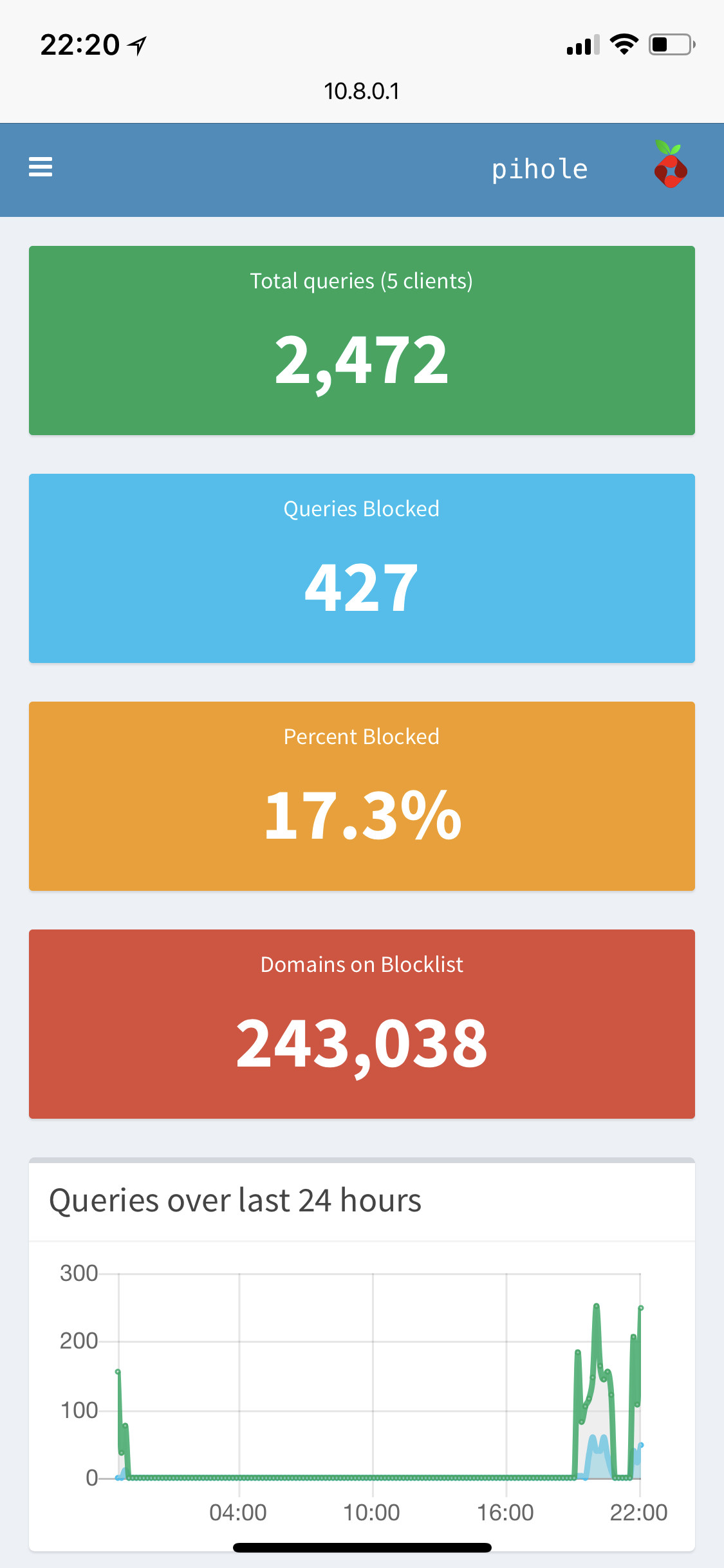
Mobile friendly interface
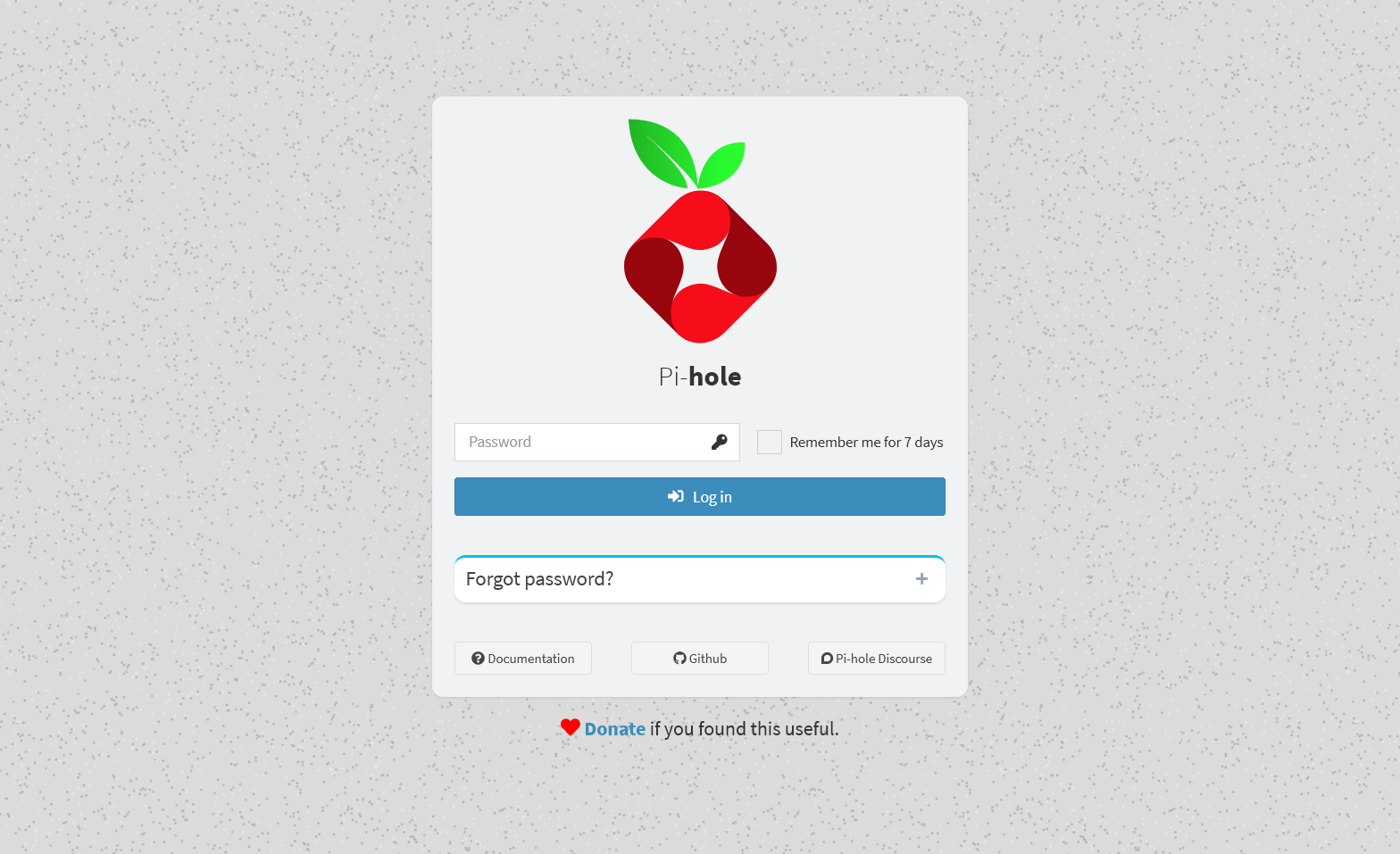
Password protection
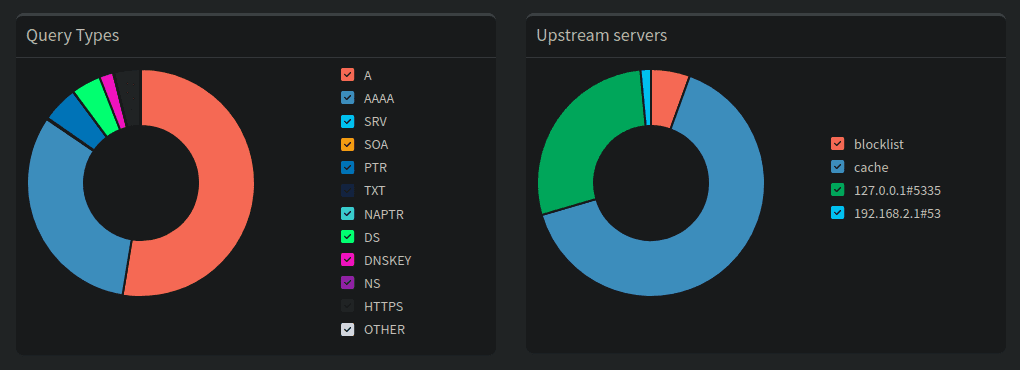
Detailed graphs and doughnut charts
Top lists of domains and clients
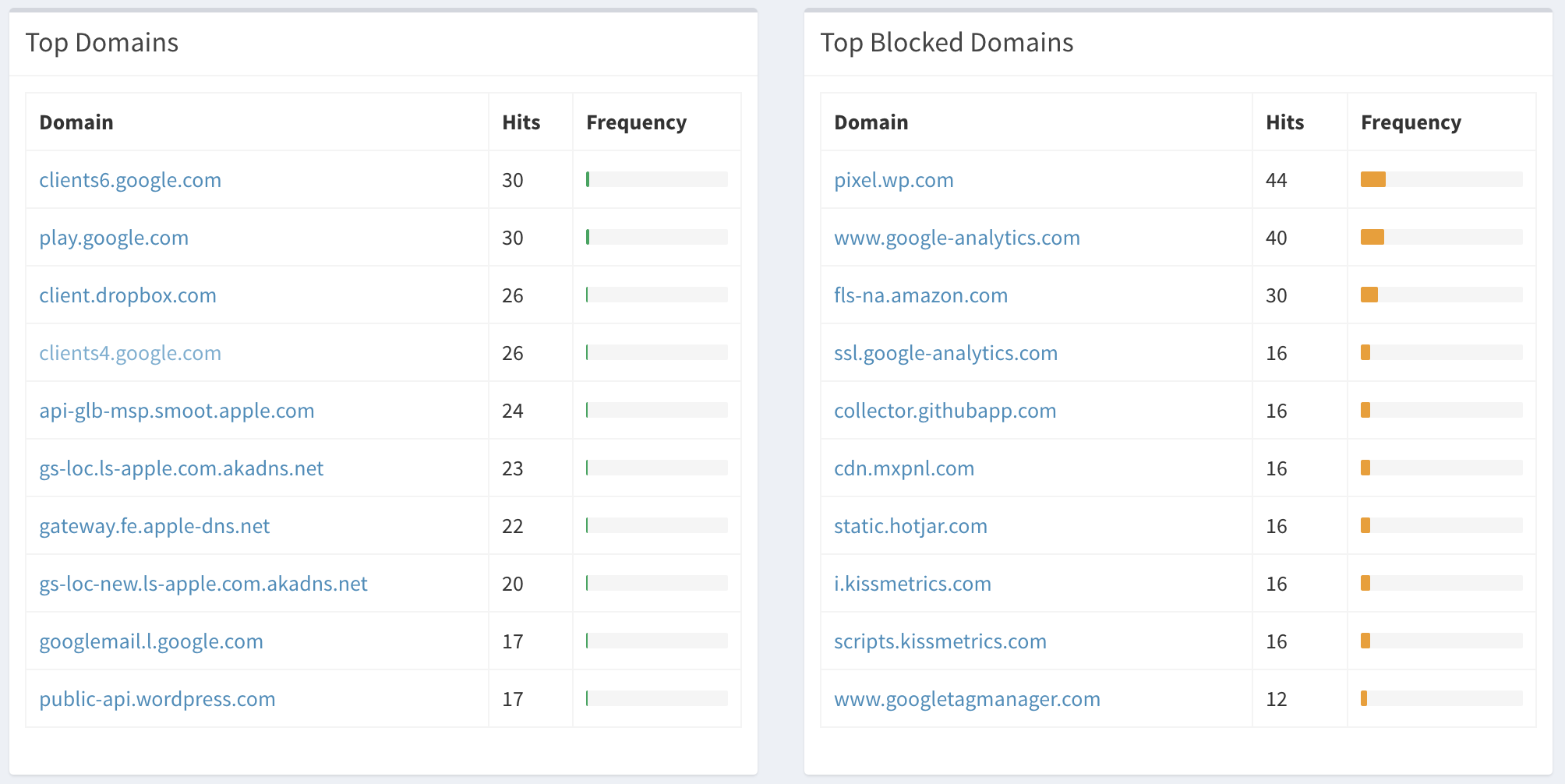
The Query Log
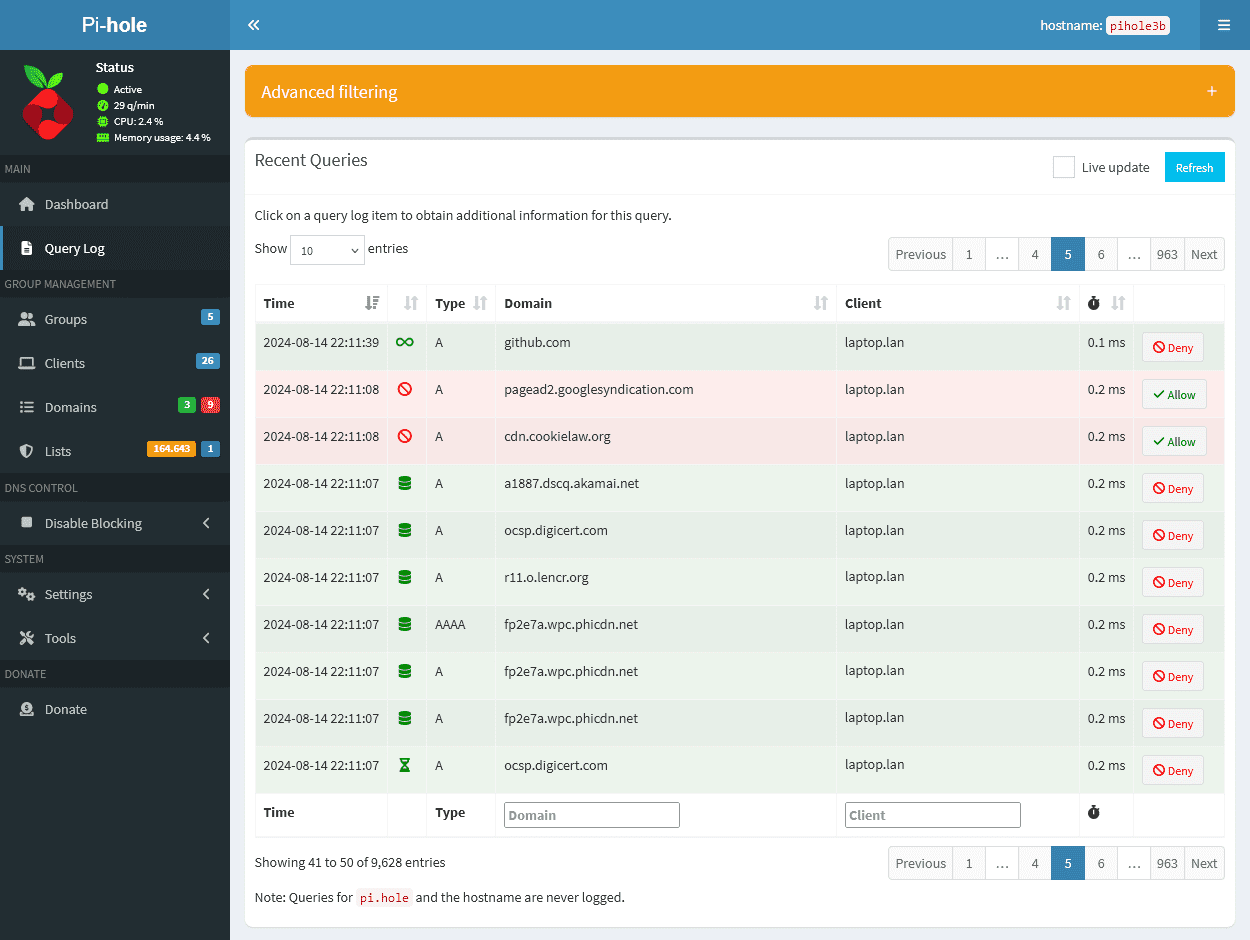
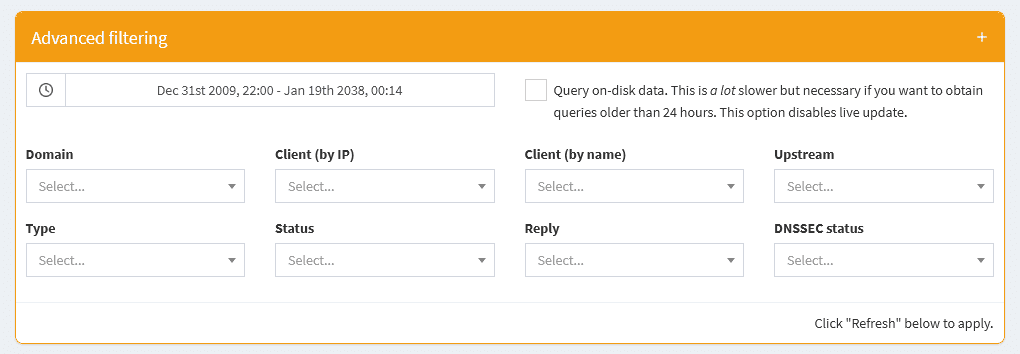
The Query Log shows recent and long-term data over user defined time ranges
You can filter your log using the advanced filter:
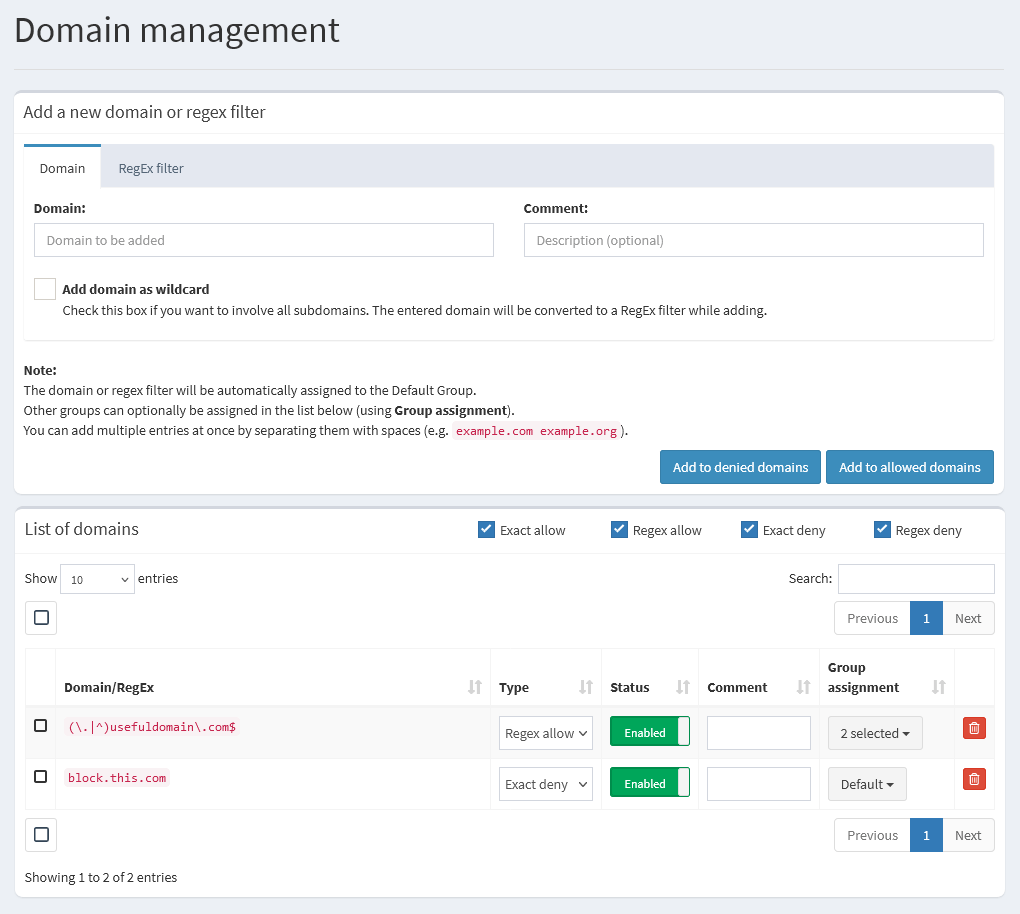
Blocking and allowing domains
Lists, domains (block or allow) and regex entries can be managed through groups.
Settings - Manage and configure Pi-hole features
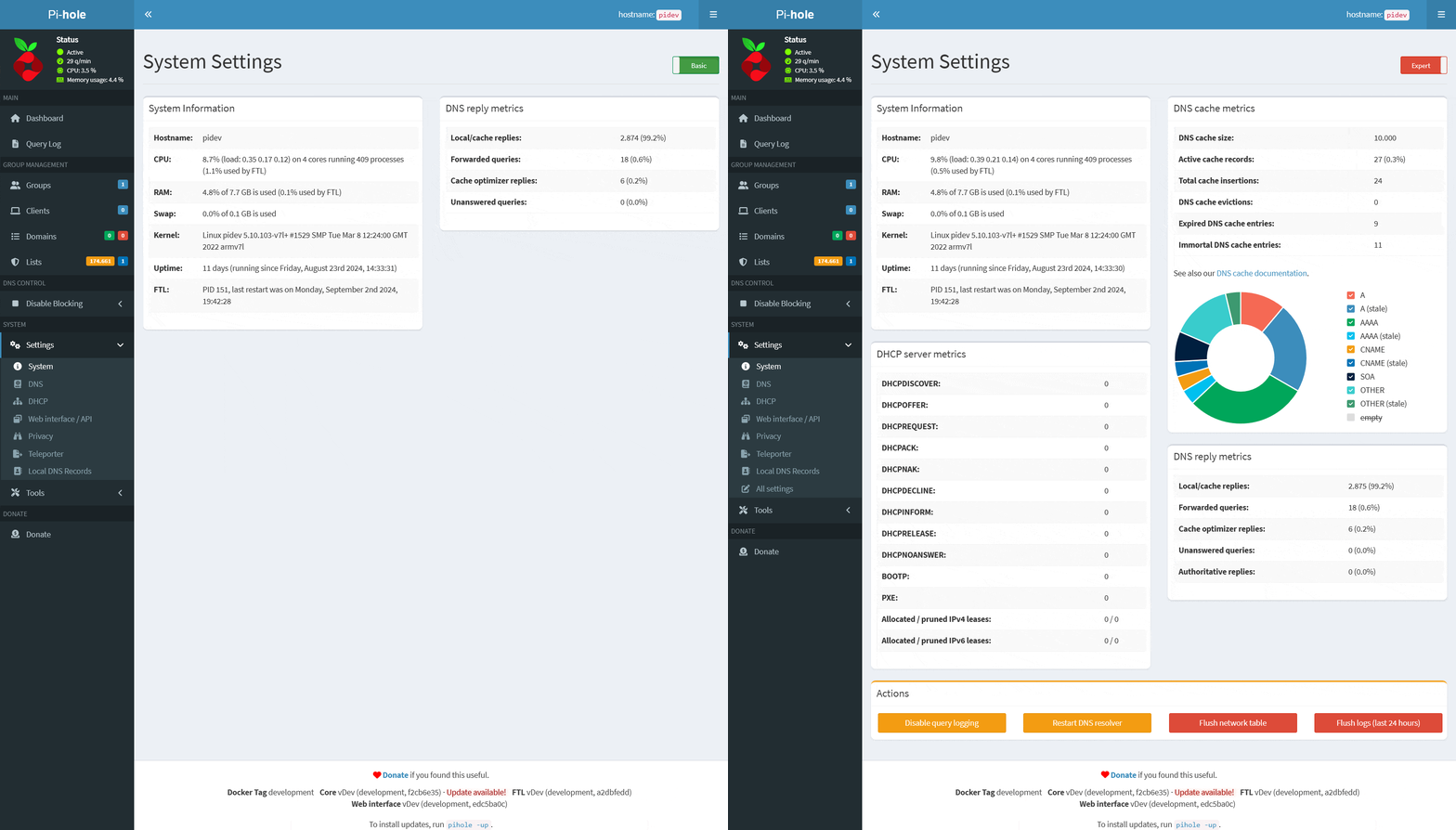
System Settings:
- System Information
- DNS reply metrics
- DNS cache metrics
\color{red}{\normalsize\textsf{[Expert]}} - DHCP server metrics
\color{red}{\normalsize\textsf{[Expert]}} - Actions (Buttons)
\color{red}{\normalsize\textsf{[Expert]}}
DNS Settings:
- Upstream DNS Servers (including custom DNS servers)
- Interface settings
\color{red}{\normalsize\textsf{[Expert]}} - Advanced DNS settings
\color{red}{\normalsize\textsf{[Expert]}} - DNS domain settings
\color{red}{\normalsize\textsf{[Expert]}} - Rate-limiting
\color{red}{\normalsize\textsf{[Expert]}} - Conditional forwarding
\color{red}{\normalsize\textsf{[Expert]}}
DHCP Settings:
- General DHCP Settings
- Advanced DHCP Settings
\color{red}{\normalsize\textsf{[Expert]}} - Currently active DHCP leases table
- Static DHCP configuration
\color{red}{\normalsize\textsf{[Expert]}} - Advanced description (Help text)
\color{red}{\normalsize\textsf{[Expert]}}
Web Interface - API Settings:
- Theme settings
- Advanced Settings
\color{red}{\normalsize\textsf{[Expert]}} - Exclusions (Domains and Clients to be excluded from dashboard tables)
\color{red}{\normalsize\textsf{[Expert]}} - Currently active sessions table
\color{red}{\normalsize\textsf{[Expert]}}
Privacy Settings:
- Query Logging
- Query Anonymization ("Privacy Level")
\color{red}{\normalsize\textsf{[Expert]}} - Privacy-related database settings
\color{red}{\normalsize\textsf{[Expert]}}
Teleporter:
- Export your Pi-hole's configuration
- Import previously exported configuration
Local DNS Settings:
- Local DNS records
- Local CNAME records
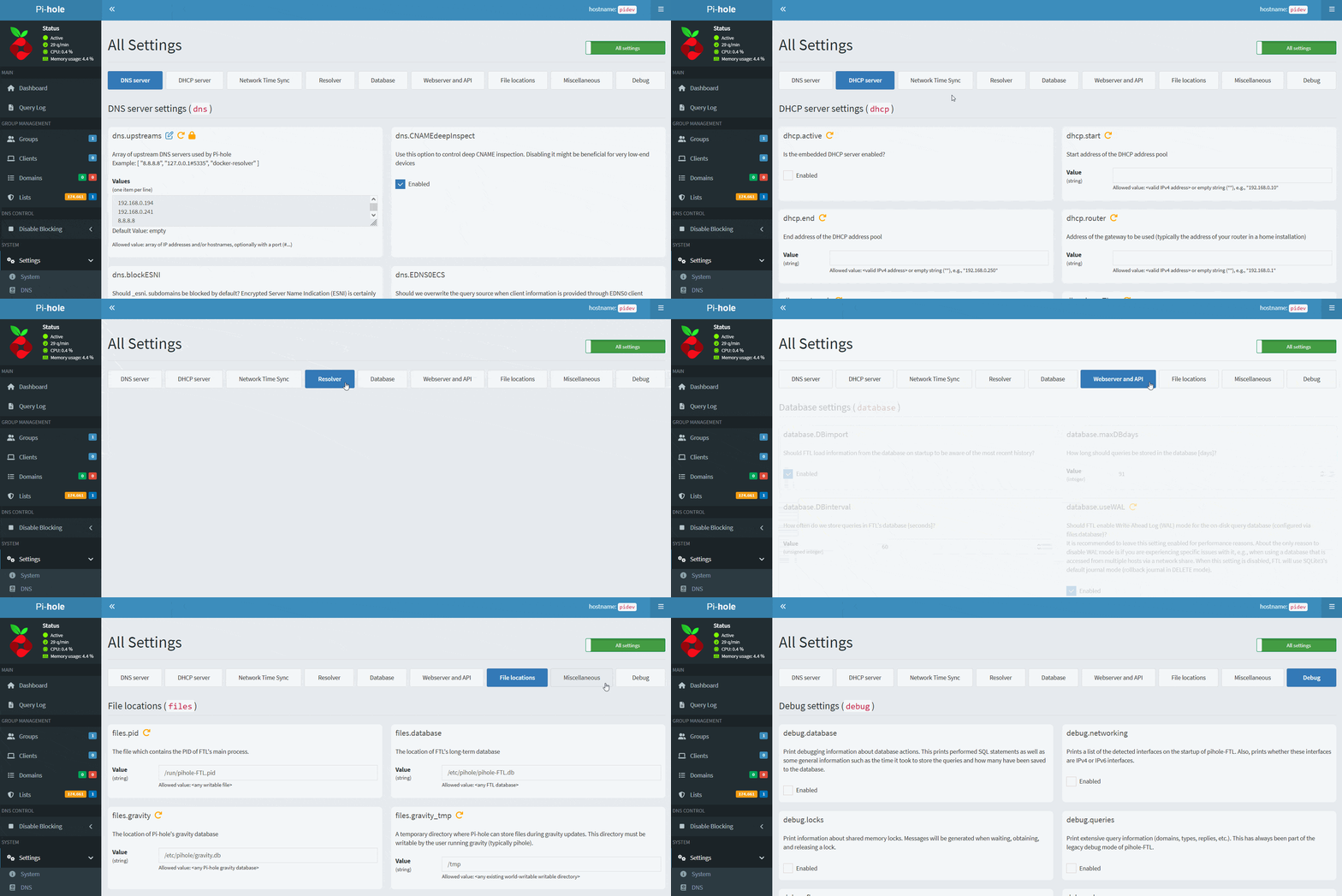
All Settings (only visible in Expert mode):
- Advanced settings page, containing all available options
Tools
- Diagnostic messages;
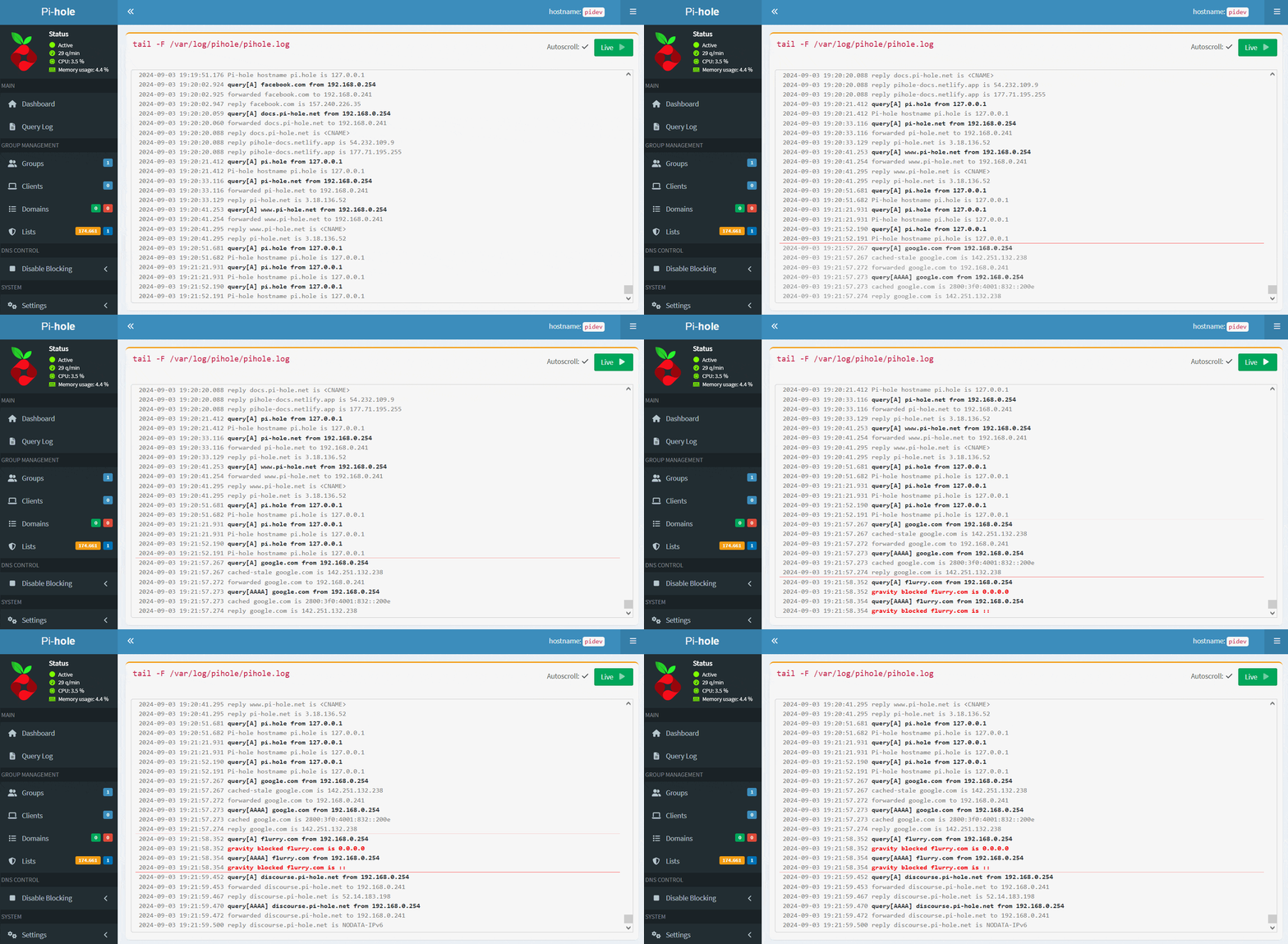
- View logs in real time:
pihole.log,FTL.logandwebserver.log; - Update your lists;
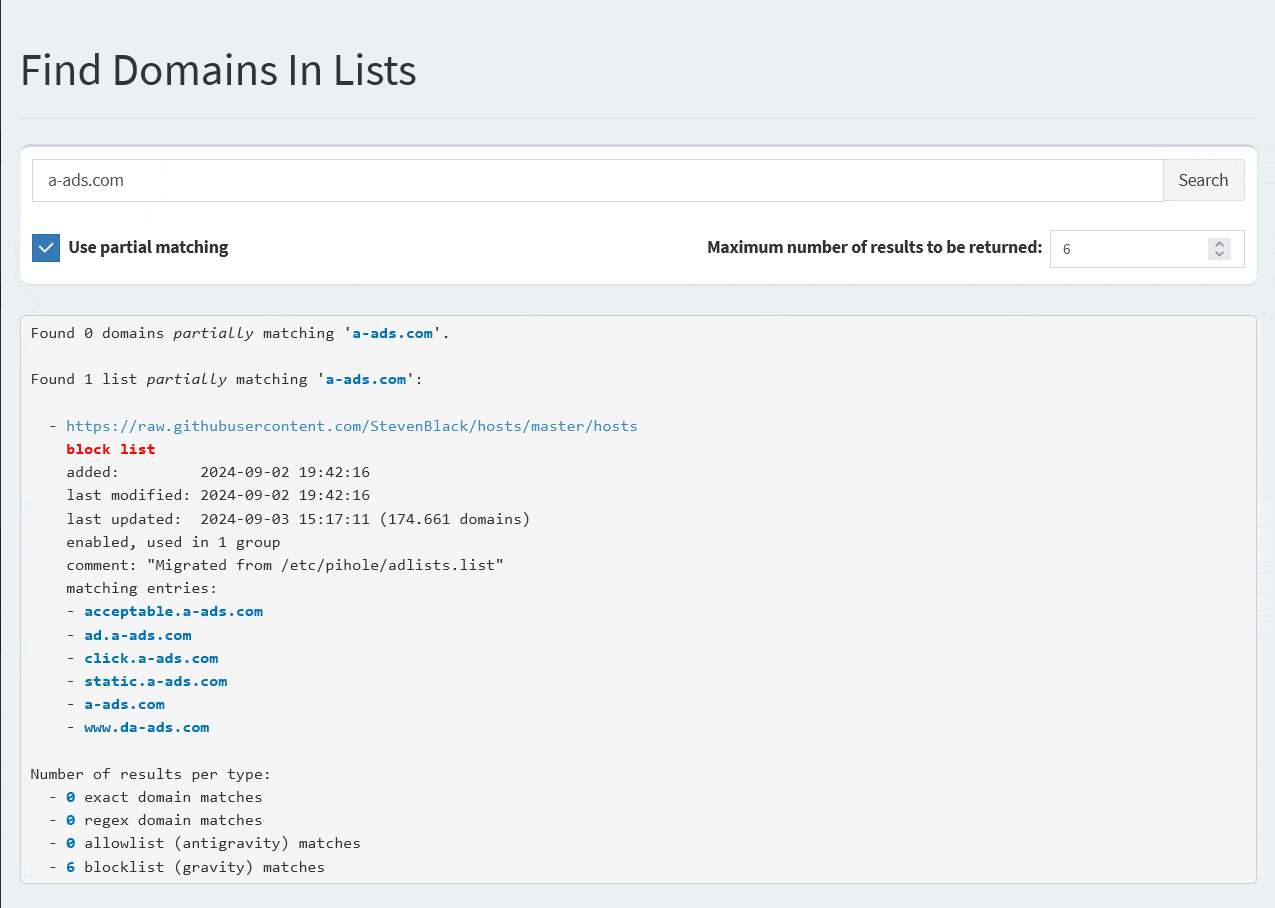
- Search a domain in your lists.
API
The REST API can be accessed at /api and it returns data in JSON format.
A local API documentation can be found at /api/docs: